If you have ever downloaded a program and Windows popped up a blue warning saying the app "might put your PC at risk," you are not alone. It happens to almost every new piece of software, and it can look alarming even when the program is completely safe. This post explains what is happening and why you can trust the Demodokos Foundry installer.
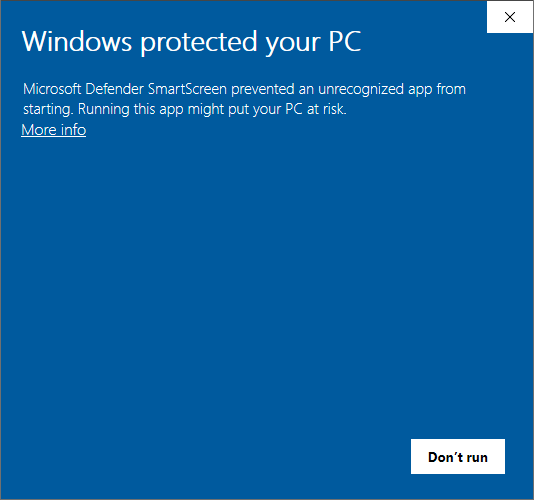 This is the SmartScreen prompt you may see. It is not a virus warning.
Why does this warning appear?
Windows SmartScreen tracks how many people have downloaded and run a specific file. When a program is brand new and not many people have used it yet, SmartScreen shows a cautionary prompt - regardless of whether the file is legitimate. Every new software goes through this phase, from indie tools to products by large companies releasing something for the first time.
This is not a virus detection. SmartScreen is simply saying: "I have not seen this file enough times to have an opinion yet." As more users download Foundry, the warning will disappear on its own.
What "digitally signed" means
Think of a digital signature like a wax seal on a letter. In older times, a noble would press a unique signet ring into hot wax to seal an envelope. Anyone who received the letter could look at the seal and know two things: who sent it, and whether it had been opened.
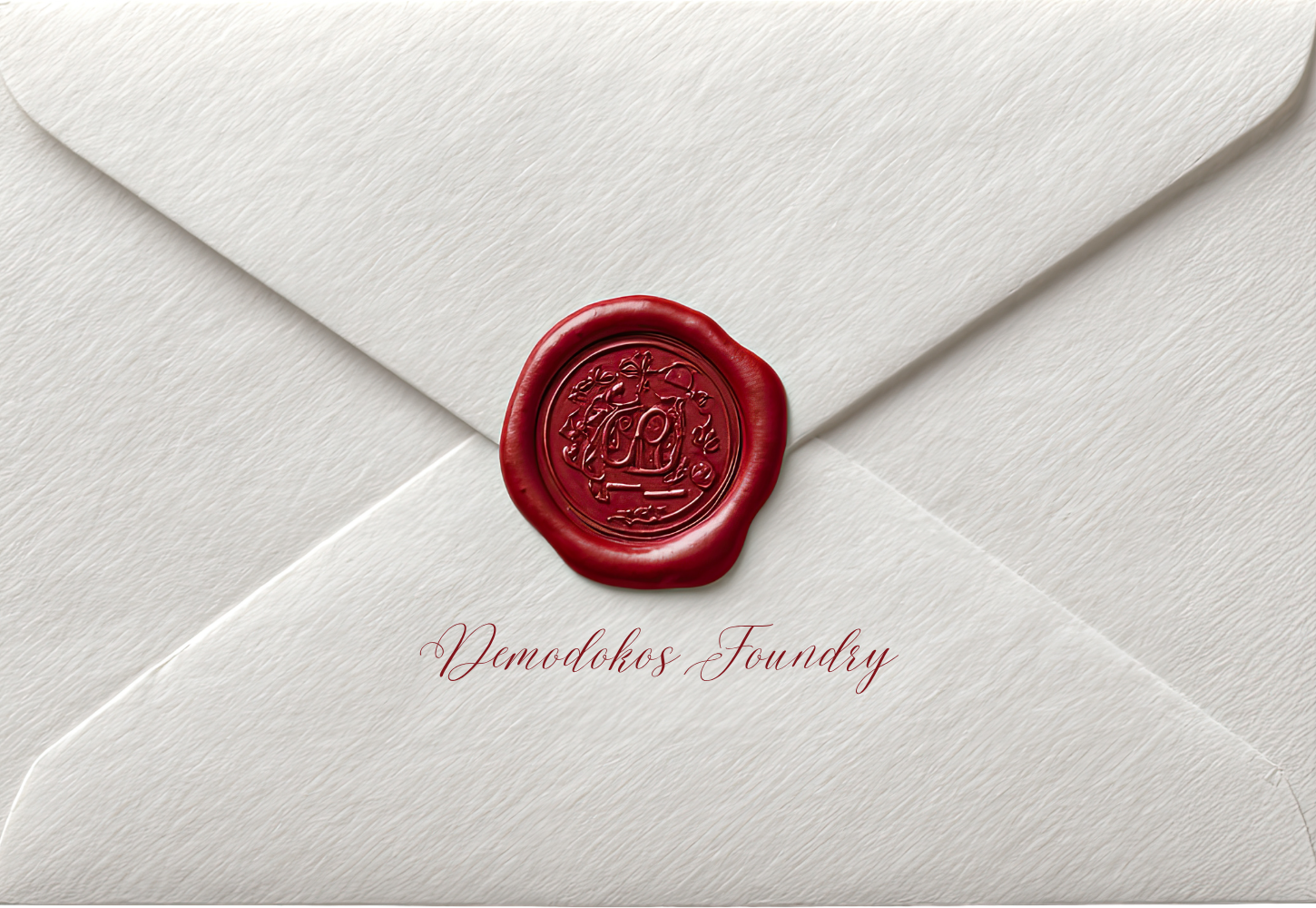
Digital signatures work the same way. When we build the Foundry installer, we sign it using a private cryptographic key that only we possess. Windows can verify this signature and confirm two things:
- Authenticity - the file was created by Demodokos, not by someone pretending to be us.
- Integrity - the file has not been modified or tampered with since we signed it.
Our signing certificate was issued by a trusted certificate authority that verified our identity before granting it. When you see the SmartScreen dialog and click "More info," you can see our verified publisher name right there.
What "Windows Defender Verified" means
Windows Defender is Microsoft's built-in antivirus. It scans every file you download against a database of known threats and checks for suspicious behavior patterns. The Foundry installer has been scanned and verified clean by Defender. This is a separate check from SmartScreen - Defender confirms the file is safe, while SmartScreen is still building its reputation data.
How to proceed past the SmartScreen prompt
- Click "More info" - this reveals the publisher details and the option to continue.
- Verify the publisher name matches Demodokos.
- Click "Run anyway" to start the installation.
That is it. One time, three clicks, and you are in.
Verify it yourself
You do not have to take our word for it. Right-click the downloaded installer, select Properties, go to the Digital Signatures tab, and check the certificate details. You can also verify the SHA-256 hash we publish on our download page by running Get-FileHash filename.exe in PowerShell. And if you want a third opinion, upload the file to VirusTotal.com - it scans with 70+ antivirus engines at once.
Ready to try Foundry?
Download the installer, click through SmartScreen once, and start creating music, speech, and full audio productions on your own machine.
Download for Windows