 中文
Anime scene
中文
Anime scene
Original by Snowbreak: Containment Zone, CC BY 3.0 source
Local AI audio studio for Windows
Songs with vocals, voice acting, video dubbing and audiobooks, in one studio that runs on your own PC. Generate as much as you like. No credits, no per-minute fees.
Text to speech that acts: one voice reads the same line as a whisper, then with a laugh.
Real Foundry screen recordings with audio generated in Foundry. Cover art and portraits created separately. Sprite Fright by Blender Studio, CC BY 4.0.
Every card is one take in several languages. Swipe it, or tap a flag, and the dub picks up exactly where the original left off.
中文
Anime scene
Original by Snowbreak: Containment Zone, CC BY 3.0 source
 Deutsch
Robotics interview
Deutsch
Robotics interview
Original by ZDF/logo/Simone Klein, CC BY 4.0 source
 日本語
Manga scene
日本語
Manga scene
Original by modchannel (Japan Ministry of Defense), CC BY 3.0 source
 Français
Basketball podcast
Français
Basketball podcast
Original by FIRST TEAM, CC BY 4.0 source
 Português
Neuroscience interview
Português
Neuroscience interview
Original by Tahnee Valzachi Sugano, CC BY 4.0 source
 한국어
Unboxing
Deutsch
Climate documentary
한국어
Unboxing
Deutsch
Climate documentary
Original by ZDF/Terra X/Story House Productions/Gruppe 5/Luise Wagner, Jonas Sichert, Andreas Hougardy, Rudi Kirschen, CC BY 4.0 source
7 takes 10 languages 90 pairs available, all made locally
Openly licensed videos, dubbed with AI voices. The people shown do not endorse Demodokos.
"Fragments of Truth" Update Trailer | Snowbreak: Containment Zone
Was macht ein Roboterforscher? What does a robotics researcher do?
【漫画】防衛省・自衛隊の災害派遣活動 [Manga] Disaster relief by the Ministry of Defense and the Japan Self-Defense Forces
ILIANA RUPERT, L'ENTRETIEN : la WNBA, l'Équipe de France, son style de jeu Iliana Rupert, the interview: the WNBA, the French national team, her style of play
ENTREVISTA FERNANDO NAJMAN ETICA CIENCIA Interview with Fernando Najman on ethics in science
웰와이즈와 함께하는 이달의 선수! (feat. 언박싱) Player of the Month with Wellwise! (feat. unboxing)
Die wichtigsten Klimafaktoren (ZDF, Terra X) The most important climate factors
Dubbed versions are AI generated voices, made for demonstration, and each dubbed file carries an AI generated dub label. The original creators and the people shown are not affiliated with Demodokos and do not endorse it. To have a clip removed, contact us.
Any book, read aloud to you. Your PC speaks it live while you drive or walk, hour after hour. Nothing to install, nothing to buy, no waiting.
At your desk, Reader also reads your screen, messages and files aloud.
Your PC does the AI. Your phone goes with you.
Local inference. Local storage. Encrypted connection. No creative content uploaded to Demodokos for cloud AI processing.
Screen recording coming soon
Dubbing and Reader come with Foundry, from $12.00 a month, billed annually. Both run on your own GPU, so there are no minutes to buy, no voice to rent and no cloud to upload to.
Music, voices, audiobooks, narration - all from a simple text description.
Everything you heard above was created inside Foundry - from songs to narration to multi-voice scenes.
Most voice tools read words one at a time. Demodokos Foundry v4 is built on acoustic-token synthesis: a language transformer takes in the whole sentence first, modelling context, intent and delivery instead of pronouncing words in isolation. The voice is then generated from fine-grained acoustic tokens, roughly one decision every 40-80 milliseconds, which is what gives it control over timing, emphasis, rhythm, emotion and pacing down to the smallest beat.
The v4 speech model builds on a substantially reworked Qwen3-TTS foundation, delivering stable long-form synthesis, fine-grained expressive control, and consistent speaker identity.
A full hour of finished speech in under five minutes on an RTX 5090. And all of it consistent in the correct emotions and voices.
Each cloned or synthetic voice is grounded in learned neural representations that capture identity, timbre, accent and vocal texture, with no hundreds of hours of fine-tuning. As it generates, identity-preserving latent conditioning and spectrogram-based consistency control keep every line locked to the same speaker.
On top of that identity sits an independent performance layer: more than 40 emotions and speaking styles, each in five intensity levels, on generated and cloned voices alike. Emotion, rhythm, pacing, accent and texture can change completely while the person underneath never does.
Choose a character and tap through their emotions. It is always the same voice, just performing in a completely different way.

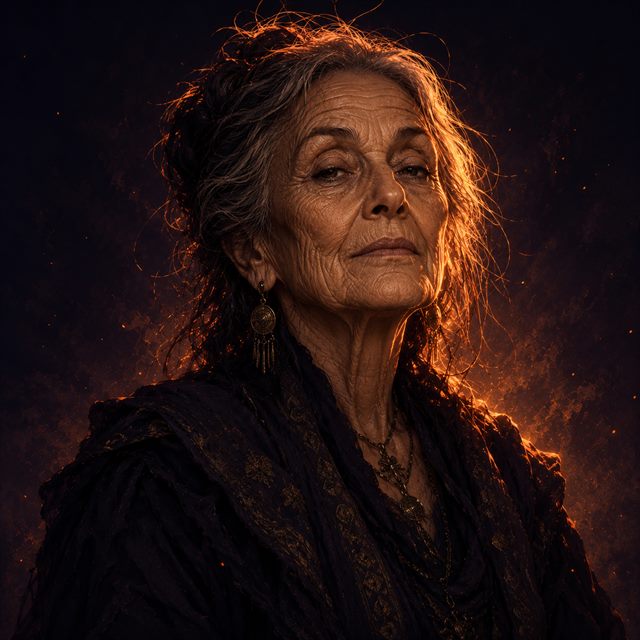

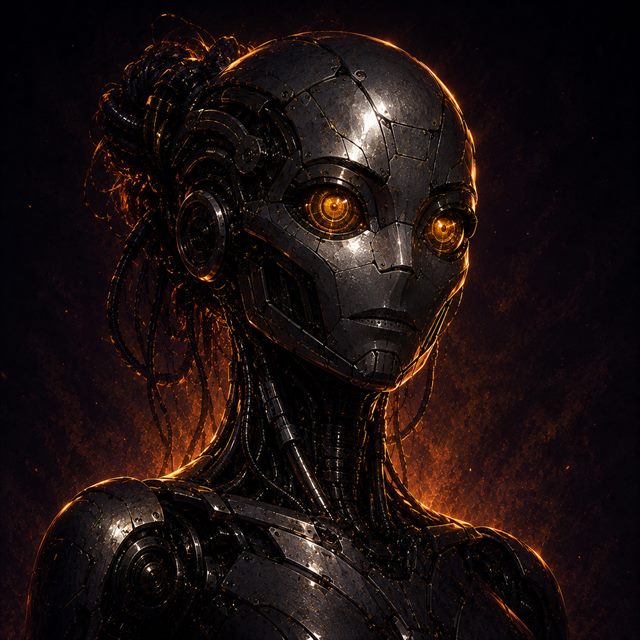

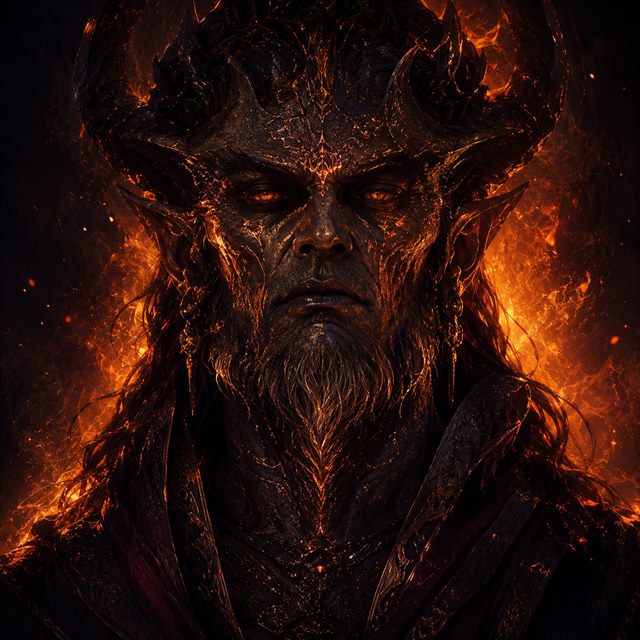

Start with a 7-day free trial, then pick the plan that fits. Everything runs on your computer - no cloud, no queues, no per-song limits.
For your own projects - YouTube, games, podcasts, personal work
For 1 person - use it for your own content, not for client work
Do work for clients - freelance, agency, studio
1 seat per person - produce work for your clients
For teams of 5 or more
Required for 5+ seats, 10+ employees, or $2M+ revenue
Everything runs on your computer. Private, fast, no cloud queues.
Cancel anytime, no further charges. Start with the free trial - full access, pay only if you love it.
Most cloud tools make you use separate products for music, voice, editing, and automation. Foundry brings it all together in one local studio.
Music creation, expressive voice acting synthesis, real mixing/mastering, and pro automation.
No cloud credits burning through your budget. Your hardware, your rules, your pace.
Voice acting performance that is stable, and recognizable across styles and scenes.
Generate one hour of speech in as little as 4 minutes. Create entire music tracks in under a minute.
Timeline editing, stem separation, patching, cover/extend workflows, and pro DSP effects.
Helps analyze, segment, refine, direct, narrate, and create.
40+ emotions and styles in five intensity levels, and consistent voice identity.
Batch workflows, agentic control, and serious automation.
This is not another generator. It is a complete local AI audio production environment.
No studio booking. No per-character fees. The entire pipeline, voice and music, runs on your Windows machine in under a minute per page.
First time here? Watch the 4-minute install and first-launch tutorial before you start.Choose from built-in voice presets, clone yourself or a reference sample, or generate a brand-new voice. Cloned voices stay on your disk, they never touch a server.
Drop in a chapter, a full book, a video outline, or a dialogue file. The redesigned script editor splits it into lines the moment you paste, so you can hand each character its own voice and direct a whole cast, not just a single narrator.
Tag any paragraph as calm, excited, whispered, angry, sarcastic, or anything in between, with 5 intensity levels per emotion. The voice stays the same character; the feeling changes.
Original scores, ambient loops, full songs with vocals, instrumental beds. Any genre, any mood, sung in any of 50 languages. Score your narration or write a standalone track, then drag it straight onto your timeline. No second tool, no separate subscription.
Drop studio-grade effects on a single line or the whole track. Turn a narrator into an alien, a demon, or a vintage radio broadcast in one click, then reach for reverb, EQ, auto-tune, formant shifting and glitch, all non-destructive. A full DSP rack, built in, no plugins and no external DAW.
Generate music in 50 languages and speech in 10.
Describe a song, a voice-over, or a narration. Foundry generates complete audio with vocals, instruments, or spoken word, ready in seconds, entirely on your machine.
Type what you imagine: music or speech. Adjust mood, tempo, voice style, press Generate. A full track or spoken read, done in seconds.
Turn scripts, chapters, and show segments into polished spoken audio. Multi-speaker scenes with distinct voices, emotional direction, and 15× real-time generation speed.
Assign voices to roles, steer emotion per line, and produce full audiobook chapters or podcast episodes without a recording session.
Layer narration over original scores, blend dialogue with sound design, and mix spoken word with music beds, all in the same editor. Build trailers, immersive stories, and rich audio productions without switching apps.
Drag voice, music, and effects onto the same visual tracks. The spectrum analyzer identifies BPM, time signature, and key. Mix everything, then export your finished production.
A narrator who breaks with sadness at just the right moment. A villain whose calm whisper turns to fury. A podcast host who sounds genuinely thrilled. With 40 emotions and 5 intensity levels, every cloned or preset voice stays perfectly in character.
Pick any emotion, from whisper and rage to heartbreak and storytelling, then dial the intensity. Assign different moods per line or paragraph. 60 speaker presets, voice cloning, and it all sounds like the same person. Not a robot.
Take any song apart: vocals, drums, guitar, piano. Each clean on its own track. Use Karaoke mode and mix in your own vocals or an AI-generated track.
Splits any song into up to 7 separate tracks. Each instrument and voice gets its own channel.
Something sounds off? Select just that area, generate a patch in seconds, and DSP-blend it seamlessly. Everything else stays exactly as it is.
Select any region and regenerate just that section. Before and after stay untouched. Spectral blending ensures seamless boundaries.
Feed Foundry any audio and restyle it completely, or extend a 30-second idea into a full song. Same structure, with an entirely new character or a seamless continuation.
Load audio as a foundation and apply a new style with Cover mode. Or select any part and press Extend to continue naturally from where it left off.
EQ, reverb, chorus, tape warmth, voice transformation, and glitch, with 200+ presets across 7 groups. Stack freely on your timeline, non-destructive, one click.
From surgical 24-band EQ to cathedral reverb, from drum punch to spectral crossfading. Auto-Tune, voice effects, glitch, and granular stretch, all non-destructive.
120+ commands to generate, compose, separate stems, mix, and export. Build pipelines, batch-produce content, or let an AI agent drive Foundry for you.
120+ commands. Create, compose with Creative AI, manage tracks, split stems, export. Build anything.
Foundry runs on Windows GPUs, with full support on NVIDIA and limited support on AMD. Here's a quick overview.
Windows 10 or 11, 64-bit
Optimized for Windows workstations
SSD/NVME disk recommended
NVIDIA GPU with 4 GB+ VRAM
any RTX series card, incl. GTX 1080, 12 GB+ recommended
AMD GPU with 8 GB+ VRAM
Full Music and Speech quality since v2.1
up to 6 GB
reduced quality
6 to 8 GB
reduced performance
16 GB+
+ multilingual Creative AI
24 GB+
+ brilliant Creative AI
Setup: 69 MB
Latest app version: v2.3.107
First-run model pack: ~20 to 25 GB
Download Demodokos Foundry setup here.
B7D25EB807CB80C69034653573113DF8F4B75234BF72683B08BD149306319A0A
Windows release available now
Speak, translate, dictate, read - and improved music.
Foundry 2.3 brings together Foundry ASR v4, automated dubbing, live Dictation, streaming speech, Reader, Foundry Link, and MiniMax Music 3 in one local AI workspace.
A new, significantly improved Speech Editor.
Foundry 2.2 rebuilds narration around rich documents, with overlapping speech, crosstalk, background music, precise timing, and a faster workflow.
A faster, lighter, smarter generation engine.
Foundry 2.1 brings our native Foundry Music v4 engine, improved models and downloads, broader GPU support, and a smoother production experience.
The foundation for a broader local audio platform.
Foundry 2.0 introduced the native Speech v4 stack, a refreshed voice library, expanded GPU support, and a major interface and workflow overhaul.
Version 2.3 is a major expansion of Foundry's speech tools. It introduces Foundry ASR v4, automated AI Dubbing, real-time Dictation, low-latency streaming speech, the new Demodokos Reader app, and Foundry Link for your phone.
Version 2.2 introduces a completely rebuilt Speech Editor with advanced rich-document narration, unified sample-accurate playback and export, and a faster, more intuitive workflow.
[Speaker tom] and [angry] when copying to or from the document editor, preserving speakers, delivery styles, music, effects, and custom delays.Pending.
Version 2.1 introduces our native Foundry Music v4 engine and improved models, much faster downloads, broader GPU support, and a smoother production experience.
AMD/Vulkan support remains experimental. CUDA is still the recommended backend for NVIDIA GPUs.
Since 1.0.94, Foundry grew into a broader local audio production platform with major advances in speech, GPU support, setup, automation, and usability.
.zvoice format and refreshed the bundled demonstration voice library.Yes. All AI generation, voice cloning and audio processing happen locally on your GPU. Your prompts, scripts, voice samples and generated audio are not uploaded to a cloud service. An internet connection is still required for login and license verification. Foundry may sign you out if it cannot reach the authentication server for an extended period.
No. Your audio files, voice samples, prompts, scripts, project data and generated content stay on your computer. Foundry does not upload creative content to a cloud AI service for generation or processing.
An NVIDIA GPU with at least 4 GB of VRAM can run selected Speech models at reduced quality. 6 GB is a more practical starting point, while 12 GB or more is recommended for the best overall Music and Speech performance. AMD GPUs with at least 8 GB of VRAM can run both Music and Speech through Vulkan, although AMD support remains experimental. NVIDIA with CUDA is recommended.
Yes. AMD GPUs with at least 8 GB of VRAM can run both Music and Speech through Vulkan. AMD support remains experimental and may be less consistent than NVIDIA/CUDA, which provides the most mature Foundry experience.
Foundry is currently available for 64-bit Windows 10 and Windows 11. Native macOS and Linux versions are not currently available.
The Creator plan is $15.00/month and the Professional plan is $49.00/month. Discounted annual billing is also available. Both plans include unlimited local AI music and voice generation without per-generation credits; plan limits apply to project size, duration and advanced features. A free 7-day trial is included.
Yes. Demodokos Foundry offers a 7-day free trial with the full capabilities of your selected license. It is processed through PayPal with a $0 authorization, and you are not charged unless you keep the subscription after the trial ends. Cancel any time before the trial expires.
Yes, any time, under Billing > Cancel. Cancelling stops your next renewal and takes effect at the end of your current billing period - the current month for monthly plans or the current year for annual plans. You keep full access until then. Payments already made are not refunded, and there are no cancellation fees. During a free trial, you can cancel any time with no charge.
Yes. Import a short recording of your voice (or another voice you are authorized to use) and Foundry creates the cloned voice locally on your machine. Cloned voices can speak all 10 languages and use more than 40 emotions and speaking styles, each with five intensity levels, without per-character or per-generation charges.
Demodokos Foundry supports music generation and lyrics in 50 languages, and speech and voice generation in 10 languages. The Creative AI agent is optimized for English conversation. Larger Creative AI models available on higher-VRAM systems understand additional languages and provide stronger multilingual lyric writing, text analysis and narration support.
Demodokos Foundry uses proprietary AI systems and adapted models developed from open-source foundations. Demodokos extensively modifies, extends and further adapts those foundations before integrating them into its proprietary music, speech and audio-production architecture.
The Music v4 engine builds on a modified ACE-Step 1.5 foundation, with spectral-flux-guided stabilization integrated directly into the generation process. Speech v4 advances Qwen3-TTS through further adaptation and extensive architectural changes, while Creative AI uses constrained Qwen3 language models within a custom agentic pipeline. Demodokos has also re-engineered Metas AudioSeal technology into Tonotope, a lightweight AI-origin marking system embedded directly into generated audio while remaining inaudible.
All AI inference runs locally through a custom C++ inference stack built around GGML and ONNX.
No. A wrapper typically places a new interface over an existing model while leaving the underlying technology and workflow largely unchanged. Foundry goes much further.
Demodokos modifies and extends the models themselves, then builds proprietary generation, voice-consistency, orchestration and audio-processing systems around them. Music v4 and Speech v4 include changes that directly affect musical stability, speaker identity, expression and long-form consistency.
The difference is especially visible in the rich Speech Editor. It combines a familiar document-writing experience with tools built specifically for spoken production: visual speaker and delivery cues, background music and sound inserts, overlapping dialogue, natural crosstalk, sample-accurate timing and visually adjustable DSP effects. Every sentence can be previewed, edited or regenerated in context, with individual control over pace, pitch, volume and delivery.
Foundry´s agentic pipelines can process entire books, split them into chapters, summarize and analyze their content, inspect images and OCR text, identify speakers, create voices from AI-generated character descriptions and prepare narration. A separate narration pipeline can adapt text, choose the right speaker and select fitting emotions line by line.
Projects can then move into music generation, stem separation, section repair, timeline arrangement, mixing and final export. Foundry is not a front end for third-party models; it is an integrated local audio-production environment built to take long-form text from document to finished sound.
ElevenLabs is a cloud platform built around monthly usage credits. Demodokos Foundry is a local Windows audio-production environment: generation runs on your own GPU, your scripts, voices and audio stay on your machine, and output is not metered by characters or per-generation credits.
Foundry is also designed around complete productions rather than isolated generations. Its rich Speech Editor lets you write in a familiar document interface, assign speakers, direct emotion and delivery line by line, insert music and sound, build overlapping dialogue and crosstalk, regenerate any sentence in context, and adjust pace, pitch, volume, timing and DSP without leaving the document. Agentic workflows can prepare whole books by segmenting chapters, analyzing text and images, identifying speakers, designing voices and directing narration.
Music generation, stem separation, section repair, timeline mixing and automation are built into the same desktop application. The key difference is a private, integrated local studio instead of a cloud service whose usage is measured in credits.
Yes. Demodokos Foundry is designed to support GDPR-compliant workflows. All AI generation, voice cloning and audio processing run on your own hardware, so business content, client audio, proprietary voice recordings, internal scripts and confidential narration stay on your premises instead of being sent to a cloud AI provider. No cloud AI provider receives or retains your creative content. This gives your organization direct control and data sovereignty over the generation workflow, making Foundry especially well suited for businesses, legal teams, healthcare, media agencies and other privacy-sensitive work.
Yes. Demodokos Foundry is designed to meet the applicable transparency requirements of the EU AI Act. Generated audio is identified as AI-generated in its metadata and carries Tonotope, Demodokos´ robust, inaudible AI-origin watermark.


